WhatsApp offers its own conversation export on supported mobile workflows, while a browser extension can create a more document-oriented PDF from WhatsApp Web. Neither method is universally better; choose based on whether you need readable presentation, native text packaging or a specific browser-visible conversation range.
Choose the method by your goal
If you need an official/native text-style conversation package, use WhatsApp’s supported export features where available. If you need a readable document for offline review or project records, a browser PDF can be more convenient.
For device restoration, neither a PDF nor a simple chat export is the same thing as WhatsApp’s backup/restore system.
- Readable document: browser PDF workflow.
- Native conversation package: WhatsApp export where supported.
- App/device restoration: WhatsApp backup/restore, not a PDF.
Prepare WhatsApp Web before capture
Open the target conversation, check that dates and recent history display correctly and load the range you intend to preserve.
If the page is already showing wrong timestamps or failing to sync, fix that source issue before export rather than hoping the PDF will correct it.
- Correct chat/account.
- Stable Web session.
- Correct visible date/time.
- Required conversation range loaded.
Generate and review the PDF
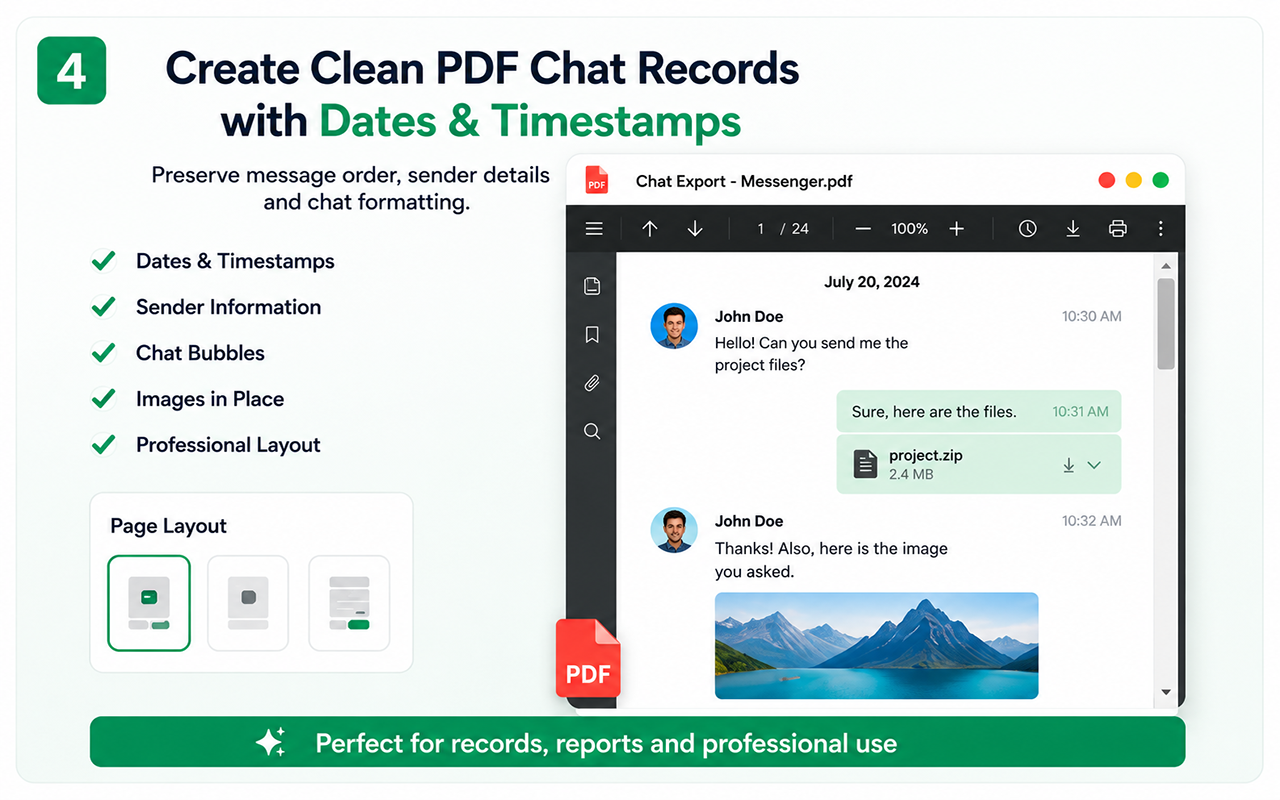
Create the PDF from the supported browser workflow and then inspect participant/message order, date transitions and a middle section.
If media originals matter, keep appropriate source files or another archive because a document is primarily a readable representation.
- Check first and last required messages.
- Search for a known middle phrase.
- Inspect date transitions.
- Review privacy before sharing.
Keep the source-method distinction in your records
Name the file so a future reader knows it was a WhatsApp Web export and when it was created. If you also keep a native export, store both under the same conversation/project folder without pretending they are identical artifacts.
That makes later comparison and provenance clearer.
- Platform/method in filename where useful.
- Export date.
- Native and PDF copies kept separately.
Where Chat Exporter Pro fits beside WhatsApp’s own tools
Chat Exporter Pro is useful when you want the supported WhatsApp Web conversation turned into a readable local document without manually copying message after message.
It should complement, not misrepresent, WhatsApp’s native data and backup features. Use the method that matches reading, portability, migration or restoration needs.
Test the essential workflow
- Limited supported chat export
- PDF output with watermark
- Suitable for a short trial
Complete backup toolkit
- Unlimited supported exports
- CSV and organized ZIP backup
- Images, videos, files and links
- Auto Scan, large-chat workflow and no watermark
Official references
Questions people ask before exporting
Is a PDF the same as a WhatsApp backup?
No. A PDF is a readable archive. WhatsApp backup/restore is designed for restoring app data and is a different system.
Should I use native export or Chat Exporter Pro?
Use native tools when their output matches your need; use the browser exporter when you specifically want its readable/structured supported workflow.
Can the exporter fix wrong WhatsApp Web timestamps?
No. Correct the source display first, then export and verify the dates in the resulting file.