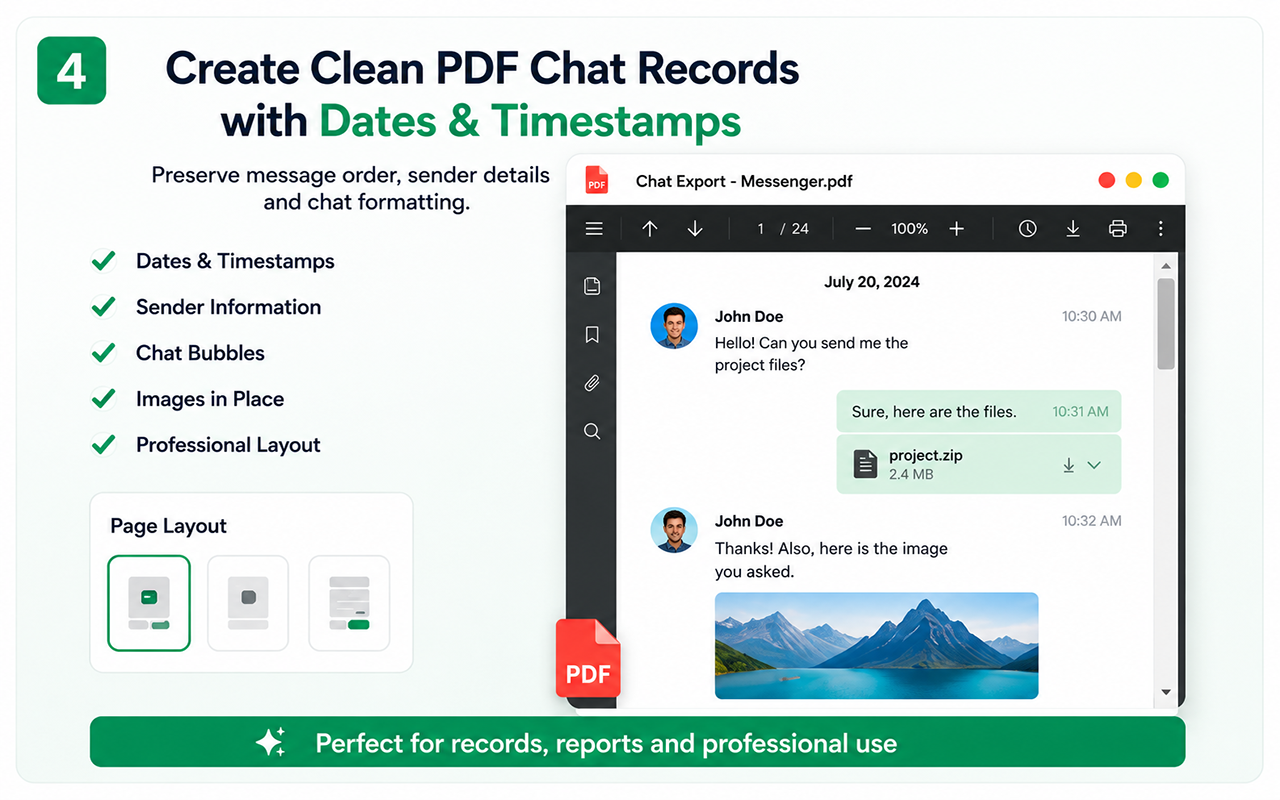
When PDF is the right choice
A PDF creates a stable, readable copy of a conversation for personal archiving, business records and offline reference.
Step-by-step
- Open WhatsApp Web and choose the conversation.
- Open Chat Exporter Pro.
- Load the required history or use Auto Scan.
- Choose PDF and review the generated file.
Date and timestamp accuracy
The export reads the information shown by WhatsApp Web. Language and regional formats can affect detection; verify important dates after export.
What PDF does not include automatically
A PDF is not a complete account backup. Use the organized ZIP workflow when you also need separate media, files, links, CSV and reports.
Free vs Pro
Test the essential workflow
- Limited supported chat export
- PDF output with watermark
- Suitable for a short trial
Complete backup toolkit
- Unlimited supported exports
- CSV and organized ZIP backup
- Images, videos, files and links
- Auto Scan, large-chat workflow and no watermark
Official references
These official resources provide background on account exports, browser extensions, privacy or platform controls. Chat Exporter Pro is an independent product and is not affiliated with Meta, WhatsApp, OpenAI or Google.
Start with the supported workflow
Install Chat Exporter Pro, open the conversation you are authorized to access, and choose the export format that matches your goal. Results depend on the content loaded and available in the browser.