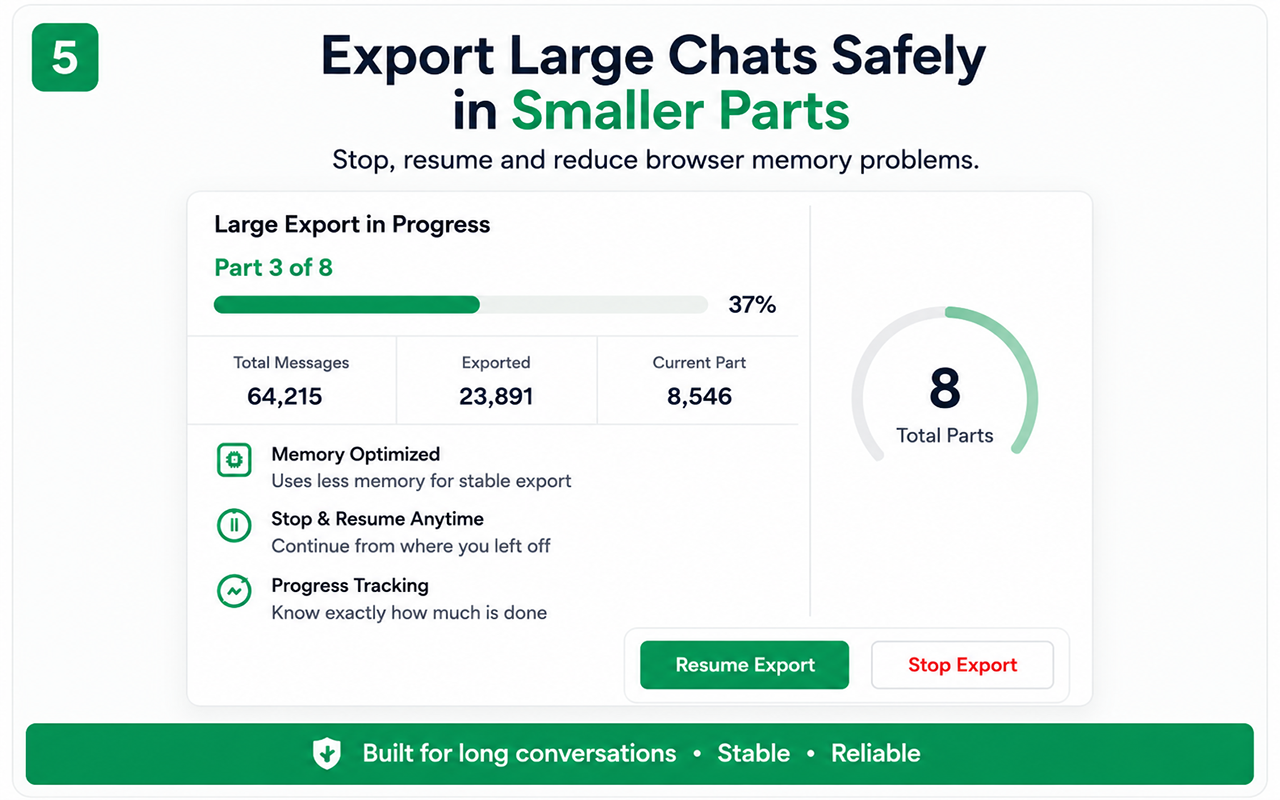
Why one huge export can fail
Long histories can consume significant browser memory, especially when they include many images or files. A single monolithic archive can freeze or fail.
Part-by-part processing
Chat Exporter Pro is designed to process supported content in smaller sections. This reduces peak memory pressure and gives clearer progress feedback.
Stop and resume
Users can stop an active workflow and continue later where supported. Keep the source conversation and browser session available until all required parts are complete.
Practical preparation
- Close unnecessary tabs.
- Use a stable internet connection for remote media.
- Keep sufficient disk space.
- Review every part and the final report.
Free vs Pro
Test the essential workflow
- Limited supported chat export
- PDF output with watermark
- Suitable for a short trial
Complete backup toolkit
- Unlimited supported exports
- CSV and organized ZIP backup
- Images, videos, files and links
- Auto Scan, large-chat workflow and no watermark
Official references
These official resources provide background on account exports, browser extensions, privacy or platform controls. Chat Exporter Pro is an independent product and is not affiliated with Meta, WhatsApp, OpenAI or Google.
Start with the supported workflow
Install Chat Exporter Pro, open the conversation you are authorized to access, and choose the export format that matches your goal. Results depend on the content loaded and available in the browser.