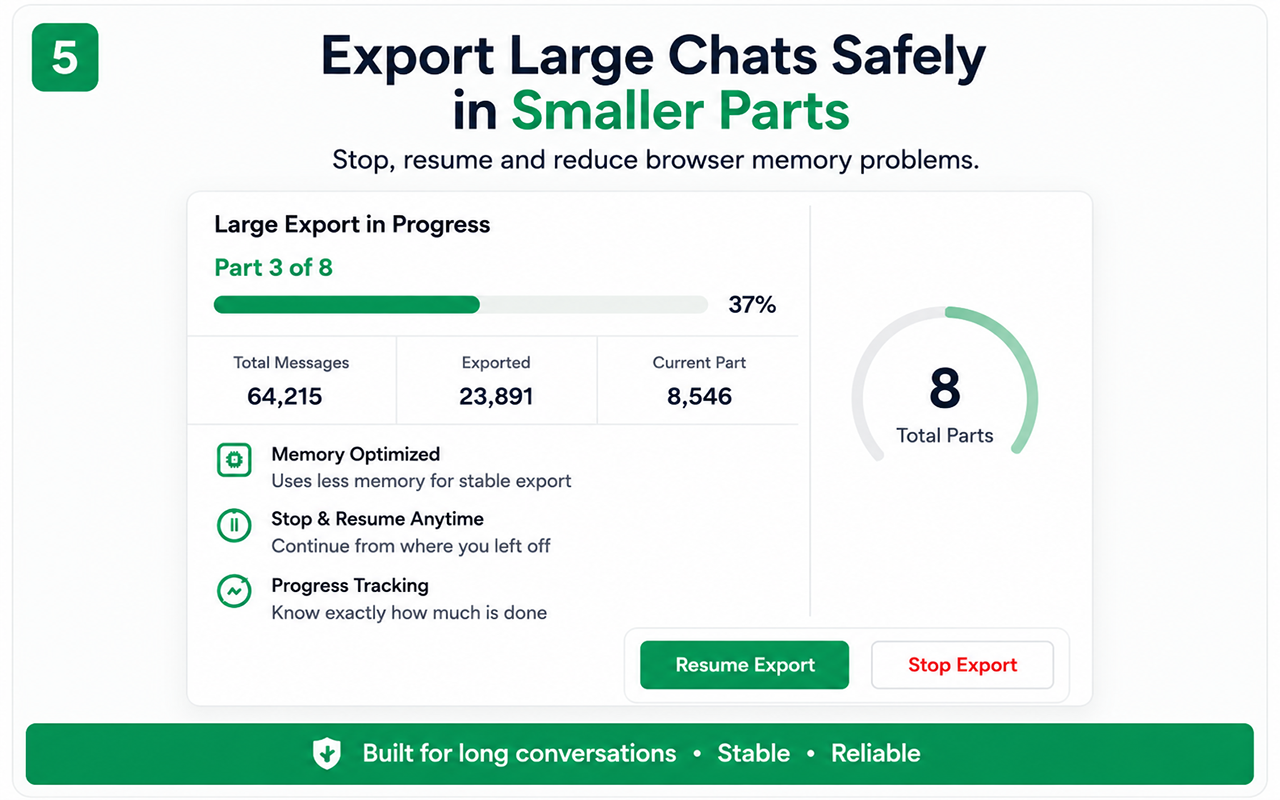
Reduce load
- Close unnecessary tabs and applications.
- Restart Chrome before a very large job.
- Keep sufficient storage available.
- Use a stable connection.
If progress stalls
Stop safely, confirm the source conversation is still responsive, reload if necessary and continue from the supported resume point.
If a part is missing
Check the browser download list, disk space and download permissions. Do not rename parts until the job is complete.
Oversized media
Large files can be skipped to protect browser performance. Use the report to identify them and download manually if the platform permits.
Free vs Pro
Free
Test the essential workflow
- Limited supported chat export
- PDF output with watermark
- Suitable for a short trial
Lifetime Pro
Complete backup toolkit
- Unlimited supported exports
- CSV and organized ZIP backup
- Images, videos, files and links
- Auto Scan, large-chat workflow and no watermark
Start with the supported workflow
Install Chat Exporter Pro, open the conversation you are authorized to access, and choose the export format that matches your goal. Results depend on the content loaded and available in the browser.