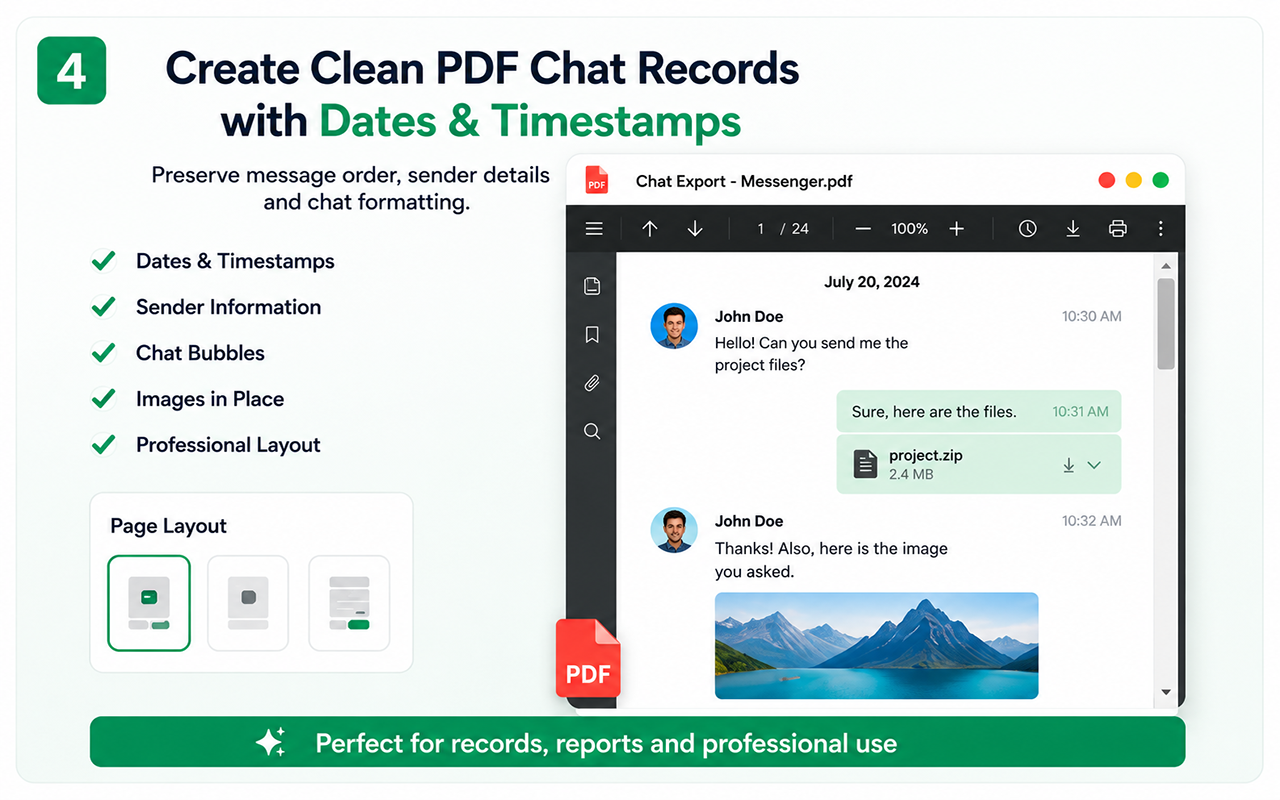
PDF content
Supported exports may include messages, participant information, visible dates, timestamps, chat-bubble alignment, avatars and images.
Preparation
Load the required history, choose a meaningful range and run a short test when the conversation is large.
Verification
- Open the PDF.
- Check the first and last message.
- Review at least three date sections.
- Confirm sender direction.
- Check important images and filenames.
Legal note
The PDF is an organized record but does not independently prove authenticity or legal admissibility.
Free vs Pro
Free
Test the essential workflow
- Limited supported chat export
- PDF output with watermark
- Suitable for a short trial
Lifetime Pro
Complete backup toolkit
- Unlimited supported exports
- CSV and organized ZIP backup
- Images, videos, files and links
- Auto Scan, large-chat workflow and no watermark
Start with the supported workflow
Install Chat Exporter Pro, open the conversation you are authorized to access, and choose the export format that matches your goal. Results depend on the content loaded and available in the browser.