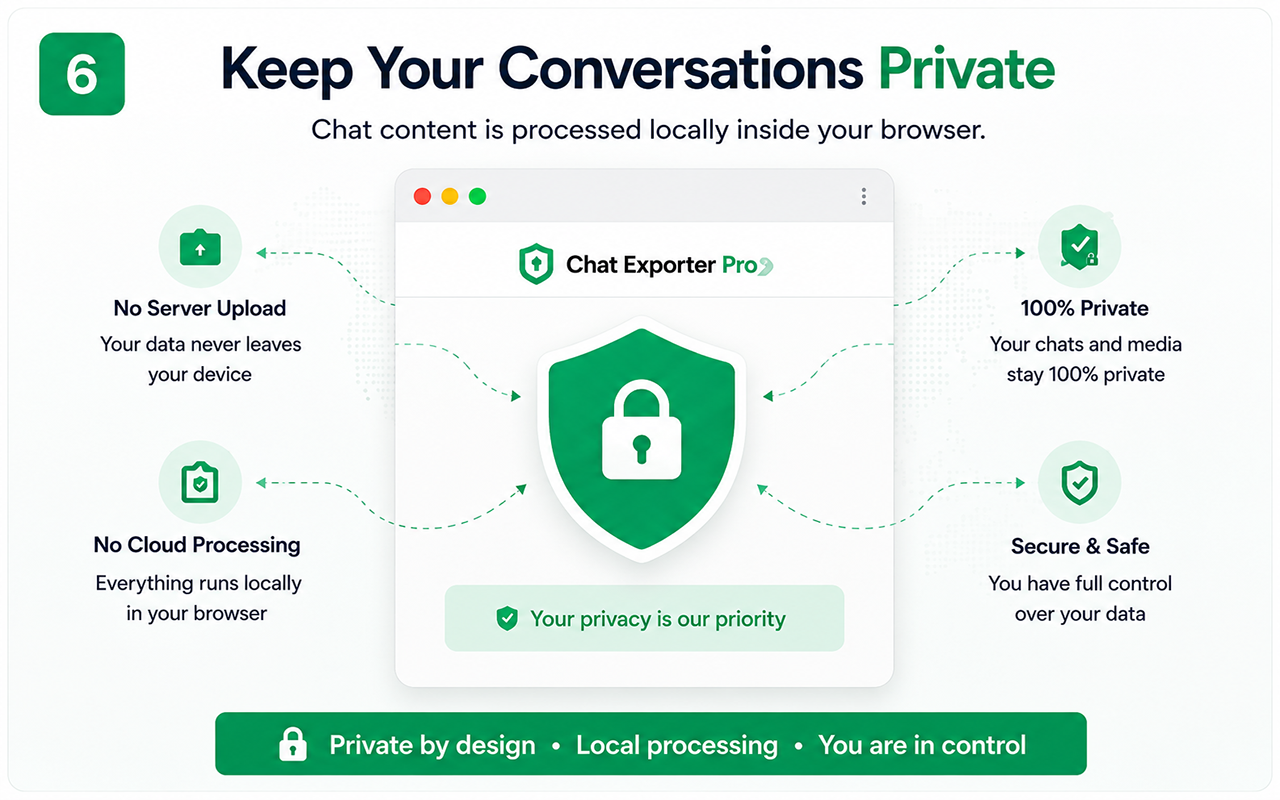
Local processing by design
Chat text is parsed and formatted inside the browser rather than sent to a cloud service for document generation.
Network access still has specific uses
License verification, payment links, product support and downloading externally hosted resources can require network requests. This is different from uploading the conversation to a chat-processing server.
User responsibilities
The person exporting is responsible for authorization, secure storage and appropriate sharing of the downloaded files.
Review extension permissions
Chrome shows requested permissions during installation or update. Users should review the permission list and install only extensions they trust.
Free vs Pro
Test the essential workflow
- Limited supported chat export
- PDF output with watermark
- Suitable for a short trial
Complete backup toolkit
- Unlimited supported exports
- CSV and organized ZIP backup
- Images, videos, files and links
- Auto Scan, large-chat workflow and no watermark
Official references
These official resources provide background on account exports, browser extensions, privacy or platform controls. Chat Exporter Pro is an independent product and is not affiliated with Meta, WhatsApp, OpenAI or Google.
- Google Chrome Help: Permissions requested by extensions
- Google Chrome Help: Install and manage extensions
Start with the supported workflow
Install Chat Exporter Pro, open the conversation you are authorized to access, and choose the export format that matches your goal. Results depend on the content loaded and available in the browser.