Why save Gemini chats as PDF
A PDF can be attached to a project folder, read offline and shared with collaborators who need the conversation context.
Recommended steps
- Open Gemini and select the target conversation.
- Load the conversation content you need.
- Open Chat Exporter Pro.
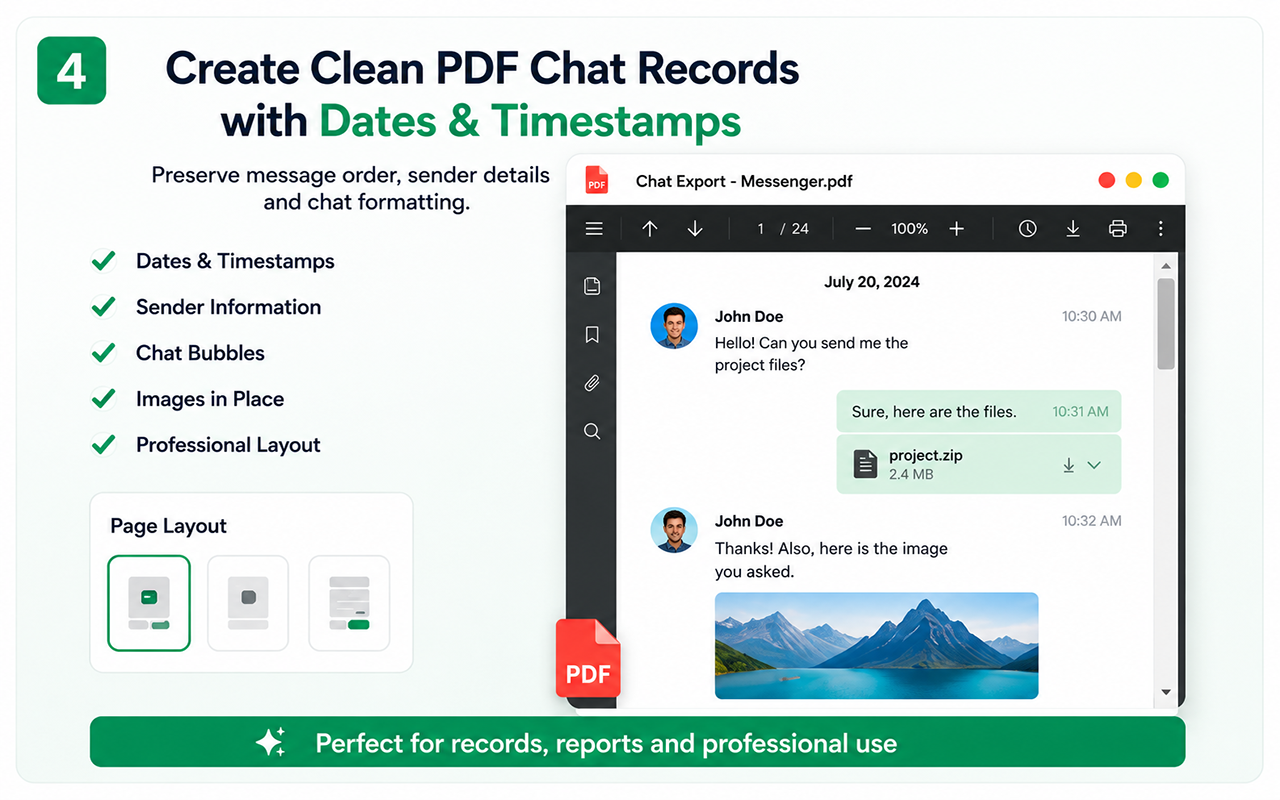
- Create the PDF and verify the first and last sections.
Keep source context
If the chat discusses web sources, preserve the original links and verify them separately. The exported conversation is a record of the interaction, not proof that every answer is correct.
Privacy check
Review the conversation for private prompts, uploaded content or credentials before sharing the PDF.
Free vs Pro
Test the essential workflow
- Limited supported chat export
- PDF output with watermark
- Suitable for a short trial
Complete backup toolkit
- Unlimited supported exports
- CSV and organized ZIP backup
- Images, videos, files and links
- Auto Scan, large-chat workflow and no watermark
Official references
These official resources provide background on account exports, browser extensions, privacy or platform controls. Chat Exporter Pro is an independent product and is not affiliated with Meta, WhatsApp, OpenAI or Google.
Start with the supported workflow
Install Chat Exporter Pro, open the conversation you are authorized to access, and choose the export format that matches your goal. Results depend on the content loaded and available in the browser.