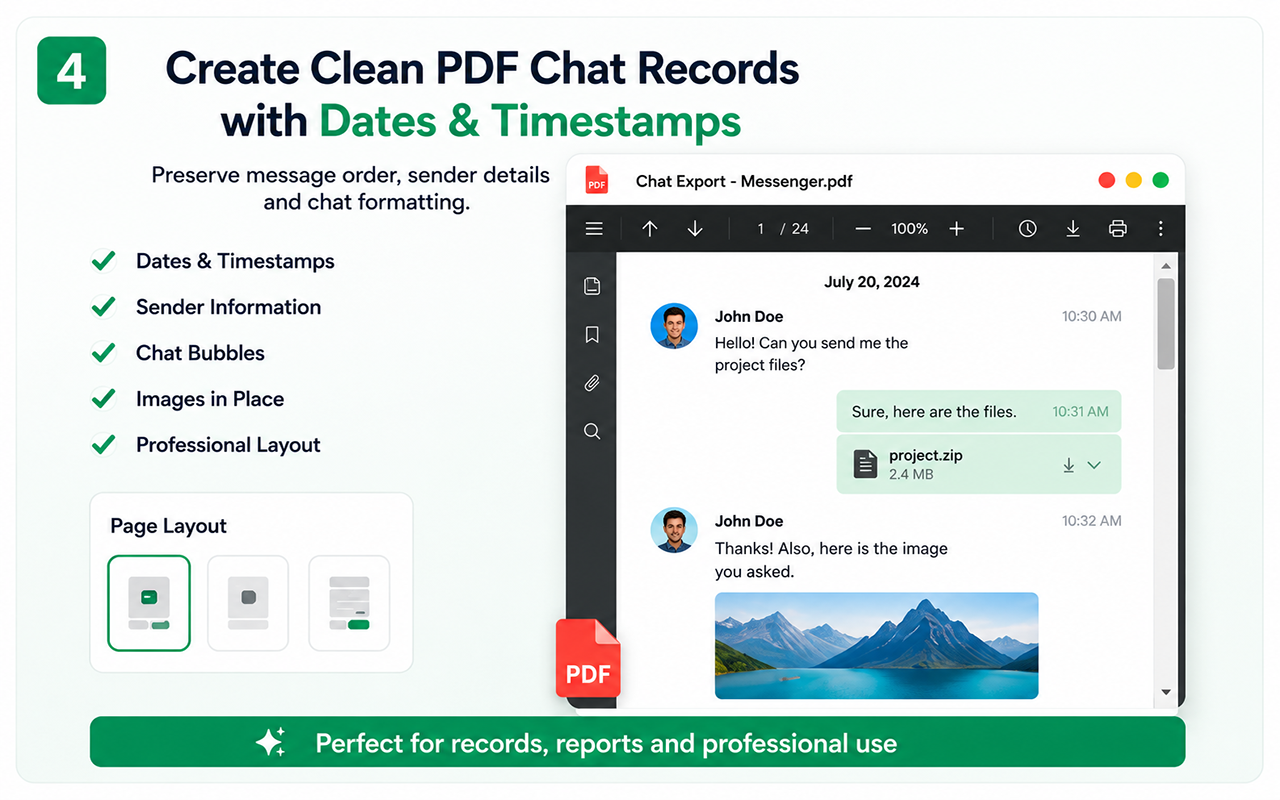
A project-friendly format
PDF keeps a conversation together in one file and is convenient for project handoff, study notes and offline reading.
How to export
- Open the target ChatGPT conversation in Chrome.
- Open Chat Exporter Pro and refresh detection.
- Choose the supported message range.
- Create and review the PDF.
Account export is different
OpenAI offers an official data export for account data. Chat Exporter Pro is useful when you want a focused, readable copy of the conversation currently open in the browser.
Sensitive prompts and data
Before sharing an AI chat export, remove secrets, personal data, private client information and credentials that should not leave your controlled environment.
Free vs Pro
Test the essential workflow
- Limited supported chat export
- PDF output with watermark
- Suitable for a short trial
Complete backup toolkit
- Unlimited supported exports
- CSV and organized ZIP backup
- Images, videos, files and links
- Auto Scan, large-chat workflow and no watermark
Official references
These official resources provide background on account exports, browser extensions, privacy or platform controls. Chat Exporter Pro is an independent product and is not affiliated with Meta, WhatsApp, OpenAI or Google.
Start with the supported workflow
Install Chat Exporter Pro, open the conversation you are authorized to access, and choose the export format that matches your goal. Results depend on the content loaded and available in the browser.