“Local processing” is useful privacy language only when it is precise. The extension can process conversation data in the browser rather than sending the chat to a separate conversion server, while the browser may still communicate with Messenger, WhatsApp, ChatGPT, Gemini or their media hosts to load content you are already authorized to access.
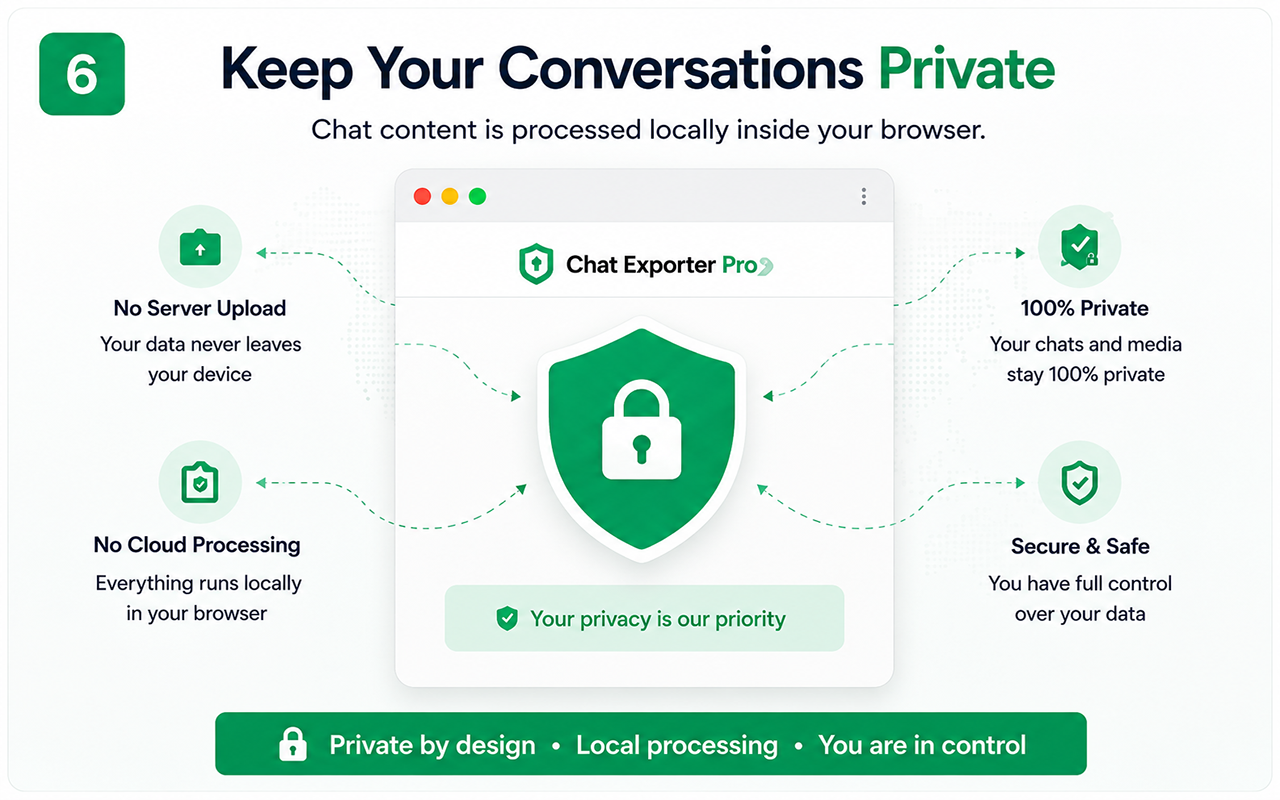
Separate page access from third-party upload
A browser extension working on the current chat needs permission to read the page content required for its feature. That is different from sending the entire conversation to an external conversion service.
Users should evaluate both permissions and data flows rather than treating the word “local” as a substitute for a privacy policy.
- What page permissions are requested?
- Is conversation content uploaded for conversion?
- Are analytics or licensing requests separate from chat content?
- What does the published privacy policy say?
Understand why media may still generate network requests
An old image or document that is not already stored on the computer must be retrieved from the platform or its content-delivery host when it is downloaded. That request is still part of a local-export workflow because the file is being fetched to the user’s browser, not necessarily uploaded to a separate exporter server.
Network logs are therefore a better diagnostic tool than an assumption that local processing means offline operation.
- Platform API/page requests.
- Media/CDN downloads.
- Optional licensing/update/analytics requests depending on product design.
Review Chrome extension trust signals
Check the Chrome Web Store listing, requested permissions, developer identity, privacy disclosure and whether the extension asks for capabilities unrelated to its stated function.
Permissions should be interpreted in context: a chat exporter cannot read a chat it has no permission to access, but broad permissions still deserve explanation.
- Store listing and developer details.
- Permission prompts.
- Privacy policy.
- Update history and support contact.
Protect the exported files after local processing
Even if export processing stays local, the resulting PDF, CSV or ZIP may contain highly sensitive information. Disk encryption, shared-folder permissions, cloud synchronization and who receives the file become the next privacy boundary.
A privacy-conscious workflow therefore continues after the export button.
- Store sensitive archives securely.
- Avoid automatic public/shared cloud folders.
- Create redacted copies for sharing.
- Delete temporary working copies when no longer needed.
How Chat Exporter Pro should communicate its privacy model
Chat Exporter Pro is designed around browser-side conversation export rather than requiring users to upload a chat to a separate conversion service. That can reduce unnecessary disclosure and keep the workflow close to the page the user is already viewing.
The product should still be transparent about permissions and any non-chat network calls. Clear boundaries build more trust than claiming that every aspect of a web-based export is literally offline.
Test the essential workflow
- Limited supported chat export
- PDF output with watermark
- Suitable for a short trial
Complete backup toolkit
- Unlimited supported exports
- CSV and organized ZIP backup
- Images, videos, files and links
- Auto Scan, large-chat workflow and no watermark
Official references
- Google Chrome Help: Permissions requested by extensions
- Google Chrome Help: Install and manage extensions
Questions people ask before exporting
Does local processing mean my browser makes no internet requests?
No. The chat platform and media resources may still need network access. The relevant privacy question is whether conversation content is sent to an unrelated server for processing.
Why does a chat exporter need page access?
It must read the supported conversation rendered in the browser to create the export. Review the requested permissions and published privacy disclosures.
Is the exported ZIP automatically private?
No. Once created, its privacy depends on where you store and share it. Treat sensitive exports like any confidential document archive.